
Fair Bluff Court Docket Searches
Fair Bluff docket searches run through the statewide North Carolina eCourts Portal. Pick Columbus County as the location. Open Smart Search and enter either a full case number or a party name. Type party names as Lastname, Firstname. For a Fair Bluff traffic case, the advanced filters sometimes offer Citation Number as a search type. Clicking the underlined case number opens the Case Summary. The system also calls this the Register of Actions. That screen can hold a lot. Depending on the case, a Fair Bluff Case Summary may show public party details, case events, hearings, disposition, and financial information.
- Open the North Carolina eCourts Portal and select Smart Search.
- Enter the Fair Bluff case number, party name, or citation number through the available advanced field.
- Choose Columbus County and use filters for case type, status, or filing date to narrow a Fair Bluff result.
- Open the Case Summary and use Search Hearings for the current Fair Bluff court setting.
- Call the Clerk of Superior Court at (910) 641-4400 or use the courthouse counter when the online information needs confirmation.
Ordinary searching needs no Portal registration. So skip that step. If a search comes back empty, check the name spelling, the number format, and the Columbus location filter, since a processing delay or a restricted record can also block results. When the online route stalls, three documented backups exist for a Fair Bluff lookup: the clerk's counter, the courthouse terminal, and the paper file.
Fair Bluff Court Records: No Town Court Counter
Fair Bluff has no town court office, municipal docket counter, or municipal judge. There is no city-run calendar, citation portal, or separate court-payment channel either. The town has a municipal government, but town information never turns into a state court record. Every Fair Bluff court case sits inside the Columbus County Clerk of Superior Court structure. It comes up in the eCourts Portal with the county location selected. That boundary matters. It keeps an invented Fair Bluff court from crowding out the real access route. Traffic, ordinance, and misdemeanor matters are District Court records; felonies and major civil matters reach Superior Court. Across both trial divisions, the same Columbus clerk holds the county case file. So Fair Bluff traffic cases, ordinance cases, and misdemeanors all follow the Columbus state-court path. Town government may be the first stop for some municipal questions. Yet Fair Bluff hearings, Case Summaries, paper files, and certified copies remain clerk-held court records. Whether the matter is a citation, a felony, a civil claim, or an appeal, court type decides where the docket lives. It is never a town-run office.
Fair Bluff routing: local municipal context can begin with the town, but a Fair Bluff court record, court date, or certified copy runs through Columbus County state courts and the clerk.
Inside the Fair Bluff Municipal Court
Fair Bluff simply has no municipal court. There is no town judge, city portal, docket calendar, or local court-payment path of any kind. Its cases instead run through the unified North Carolina trial-court structure in Columbus County. District Court District 15 handles traffic, infractions, misdemeanors, municipal-ordinance violations, family matters, and qualifying civil claims. Superior Court District 15A takes felonies, certain criminal appeals, and general civil actions over $25,000. The Columbus Clerk of Superior Court keeps Fair Bluff court records for both divisions. Search by county, citation, case number, or party name, never by a city court name. A Fair Bluff city contact cannot issue a certified court copy. It cannot pull live hearing details from a case file or clear a Failure To Appear status. North Carolina District Court explains the statewide jurisdiction that covers infractions and municipal-ordinance violations. That is the accurate Fair Bluff court context. It is also the right frame for any docket search.
Fair Bluff Court Records and Municipal Project Notices
A state eProcurement record offers limited background on a Fair Bluff municipal project. It offers nothing for a docket search. No court file, judge, citation history, or record-request channel appears there. The gap matters most for a Fair Bluff user who lands on a town-government or procurement page while hunting for a case. Public local-government activity is one thing; Fair Bluff court records are state judiciary files held by the Columbus clerk. The official North Carolina eProcurement Fair Bluff solicitation is the source for that narrow municipal reference.
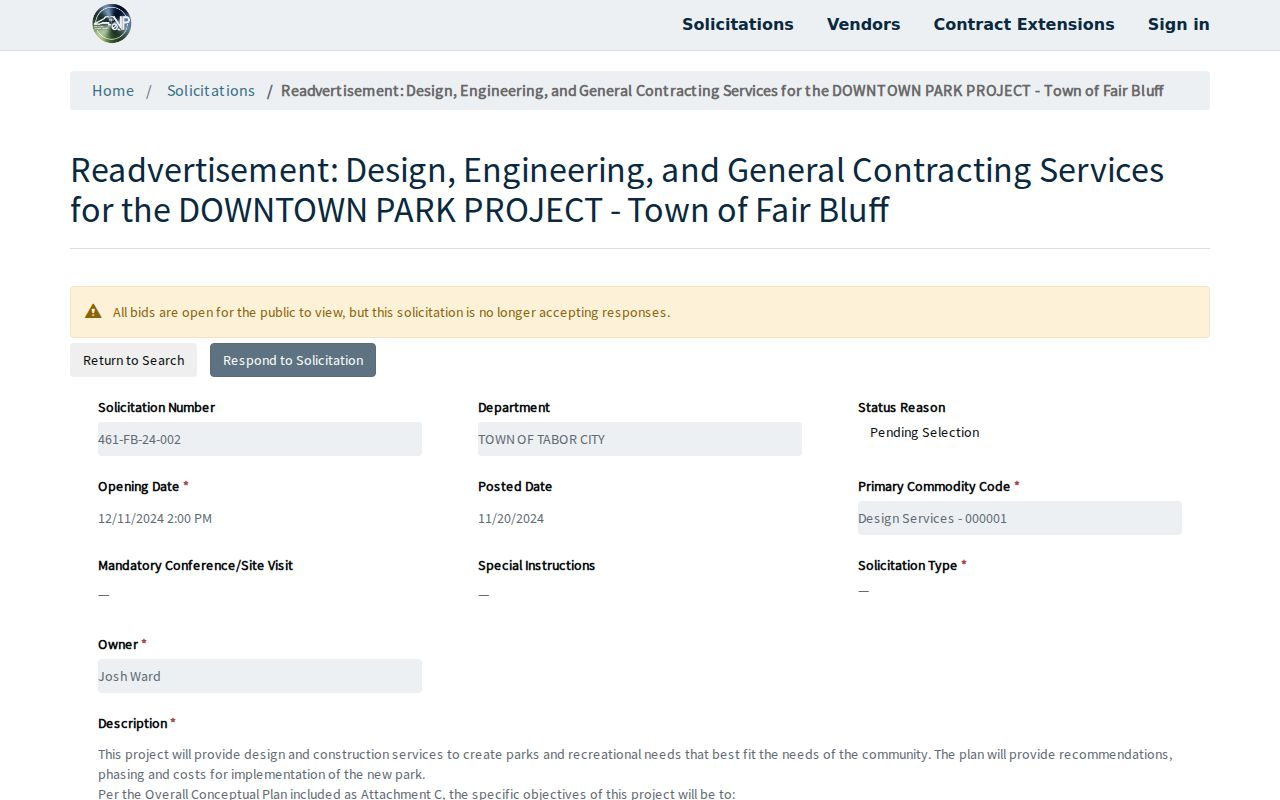
A state procurement page can add Fair Bluff municipal context. But it is not a court-record source. It cannot replace the Columbus Portal search. When the goal is a case record, the workflow stays simple: Portal Smart Search for the case, Search Hearings for dates, and the Clerk of Superior Court for official files or copies. That habit keeps a town-government page from being mistaken for court custody.
Finding Fair Bluff Court Dates
Check Fair Bluff court dates in Portal Search Hearings first. Then compare what you find with the Case Summary. Pick Columbus County and set the Hearing Type and Search Type. Enter the number or name that matches the type you chose. Add a Date From and Date To, then submit. Search types include Case Number, Party Name, Business Name, Attorney Name, Attorney Bar Number, Judicial Officer, and Courtroom. No Fair Bluff town notice can stand in for that live court-date workflow.
| Date | The active Fair Bluff case setting returned by Search Hearings or confirmed by the court office. |
|---|---|
| Time | The time assigned to the individual hearing, rather than a broad calendar assumption. |
| Courtroom | The Columbus courtroom shown for that Fair Bluff hearing. |
| Judge | The judicial officer listed in the current hearing record if available. |
| Setting Type | The court’s own label, such as hearing, CDM conference, trial, motion, or plea calendar. |
The Columbus local schedules page adds context a Fair Bluff Search Hearings result will not carry on its own, including Criminal Docket Management sheets, trial-week calendars, motion-and-plea lists, civil stand-by assignments, and judge rotations. One caution applies to older dockets. A Case Summary keeps past events on file, so a date listed there may be a closed setting rather than the current Fair Bluff court date. When the record looks stale or unclear, the court office itself can confirm what is actually set.
Fair Bluff Court Date Search Through Search Hearings
Search Hearings is the date tool for a Fair Bluff case. It works differently from Smart Search. Smart Search starts from the case lookup. Search Hearings starts from the hearing date. A Fair Bluff searcher should move through the chain in order: Search Hearings first, then the matching Case Summary, then the Columbus local schedules, and finally court staff or the courthouse terminal if something still needs explaining. That sequence keeps a static calendar entry or stale event from being mistaken for a live Fair Bluff court date.
Every state courtroom shows up in the Portal courtroom list. Pick the specific Columbus courtroom when you know it. The official guide sets no maximum hearing-date range, and any required field carries an asterisk. Keep the query tight. The best approach is to search with the most precise case number, party name, or court detail you have. Then open the individual case rather than drawing conclusions from a general session list.
Columbus joined eCourts in February 2025. Older events converted into the system can carry a 12:00 AM timestamp. That is a conversion artifact and not a real Fair Bluff hearing time. The ordered event history plus the current Search Hearings return give the sounder picture of a docket.
Fair Bluff Traffic Ticket Lookups
Fair Bluff traffic tickets belong to the Columbus District Court docket. No Fair Bluff municipal traffic-court portal exists. Start with the citation itself. It shows the court date and may indicate whether the charge is waivable. Search the citation number through Smart Search's advanced type when that option appears. You can also search by case number or party name with Columbus County selected. The Fair Bluff Case Summary can display public process, hearing, disposition, and financial details for the case.
For the current Fair Bluff court date, run Search Hearings. Then check the Columbus local schedules. Online, mail, and counter payment options run through county court processes. None of them run through a Fair Bluff town office. The Columbus County Traffic Court page lays out the full countywide record and citation workflow.
Under statewide guidance, paying an eligible waivable charge generally waives the right to appear or contest it. Read the exact citation and the current court record before choosing any action. The absence of a separate town court channel changes nothing about the state court's requirements. Those requirements still apply to the individual case.
Fair Bluff Traffic Court Records After a Missed Date
A missed Fair Bluff traffic date calls for a prompt check of the court file. State guidance says a missed appearance can be marked called and failed. After 20 days, a Failure To Appear may issue. A fee may follow if the case ends in responsibility or guilt, and unresolved matters can later be reported to NCDMV. What that Fair Bluff case actually shows comes from its own Case Summary and from the Columbus clerk.
A court record and a driver record are two different things. The Columbus clerk holds the Fair Bluff court case. It reflects the state-court process and disposition. NCDMV keeps the driver record separately. A town office cannot clear a court notation, certify a case file, or handle a DMV step. Call the clerk at (910) 641-4400. Ask what the Fair Bluff court record currently shows.
Fair Bluff missed-date step: check the Case Summary and Search Hearings, then contact the clerk quickly for the actual court status and next court instruction.
How Fair Bluff Cases Reach the County
Fair Bluff cases reach Columbus County courts by case type. There is no handoff from a town trial court. Traffic matters, infractions, misdemeanors, municipal-ordinance violations, and qualifying civil matters sit in District Court. Felonies, certain criminal appeals, and civil actions over $25,000 belong to Superior Court. The Columbus Clerk of Superior Court keeps the county case files for both divisions.
Docket flow: Fair Bluff town or police context › Columbus District Court or Superior Court › Clerk of Superior Court and eCourts Portal › North Carolina Court of Appeals where applicable.
A Portal status such as Transferred to Superior Court, remanded, or appealed means the case continues on the Columbus county path. It is not a signal to hunt for a Fair Bluff court. The Columbus County Court Docket overview walks through the county court structure in more detail.
Fair Bluff Court Records at the Columbus Clerk
The Columbus Clerk of Superior Court holds the official Fair Bluff court records. Pull the Portal Case Summary first. Capture the case number, court division, case event date, and the exact public document you need. Some Fair Bluff documents are not online, older, restricted, or in need of authentication. Those call for a call or visit to the clerk at the Columbus courthouse. A Portal search result is one thing; a paper file or an official clerk product is another.
The Columbus County court contact directory lists the current office paths. State the case identifier and the exact document in any Fair Bluff request. Staff can then route it to the right court division. Before asking for a copy or certificate, have the clerk confirm the current charge and whether the item is public.
Fair Bluff counted 709 residents in the 2020 Census. Scale that small, accurate county routing matters all the more. But that size supports no claim of a town court. It also supports no claim of a city-specific court record system.
Who Can See Fair Bluff Court Records
North Carolina law opens most Fair Bluff court records to the public. There are some firm limits, though. The clerk of court keeps the dockets, files, indexes, and records. Register for the public Portal, and you can view Case Summaries there. You can also view any public documents posted there. But a Fair Bluff case can be sealed, confidential, juvenile, or restricted for another reason. Registering for the Portal changes none of that. So a docket search that returns nothing may simply mean the case falls into a protected category. It does not mean no case exists.
Key Rules:
G.S. 7A-109 provides the clerk-record and public-inspection baseline unless law prohibits access.
G.S. 132-1 states North Carolina’s broad public-record rule subject to confidentiality statutes.
G.S. 7B-3000 withholds juvenile records from public inspection except for authorized access or court order.
When a Fair Bluff record is public yet missing from the Portal, go straight to the clerk. That office is the proper county custodian of the case file. The Portal is only a viewing tool; it is not the official court record and it certifies nothing.
Fair Bluff Court Records: Portal and Official Copy
Think of Fair Bluff court records as three separate products. The Case Summary, also called the Register of Actions, gives you the public online timeline. Behind each event sits a filed document. This is the actual order, pleading, judgment, or exhibit, when it is public and available. A certified copy is different still: an official record issued by the clerk. The Portal helps you locate a Fair Bluff case. But AOC states plainly that it is not the official court record. A screen image is never a certified copy.
Clerk fees are set out in digits. A first page or document costs $2, and each additional page costs $0.25. A certificate under seal runs $3, and an exemplification runs $10. A certified county criminal search on form AOC-CR-314 costs $25. That search does not cover every Fair Bluff case-file request, though. Before ordering, ask the clerk to quote the current total and confirm the access condition. The Judicial Branch news source used for Fair Bluff court-system context offers coverage of the branch's own news.
The Judicial Branch material adds court-system context, yet the official Fair Bluff case record still comes from the Columbus clerk. The Conference of Clerks leadership source documents current clerk-system context.
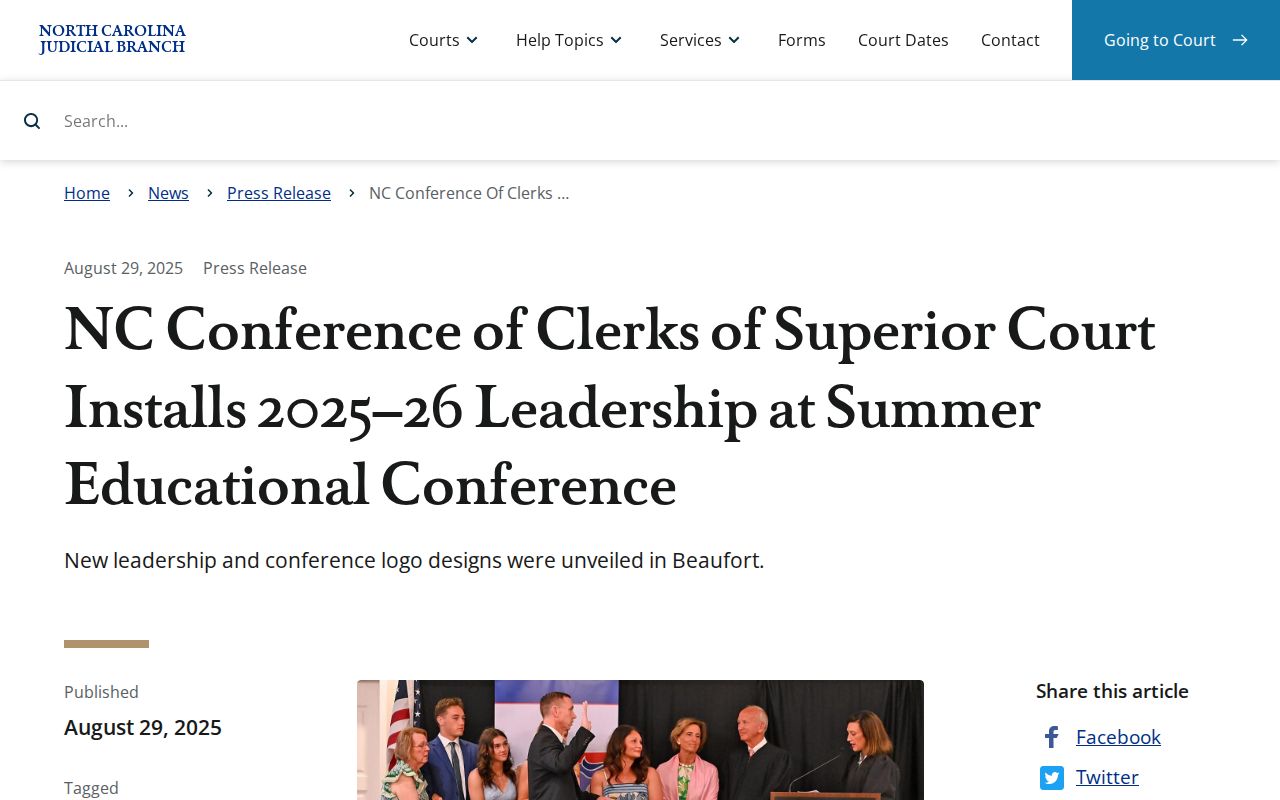
The clerk-system image points to the same lesson. The county clerk, not a separate town court office, is the official-copy source for Fair Bluff records.