
How the Columbus County Court Calendar Works
Several channels together make up the Columbus court calendar picture. The first is Search Hearings for Columbus County in the eCourts Portal. It is the live tool built around dates. The second is the individual Columbus County Case Summary, which supplies the fuller case context. Third come the county's local administrative schedules. These publish session and calendar material. Court-office contact and the courthouse terminal round out the chain. Each channel answers a different question about a Columbus County court docket.
Columbus County runs on Odyssey, so the public Portal is the natural starting point. It is not the official record, and it is not a filing screen. Treat a hearing result as a lead. Then check the Columbus County case summary before acting on it. An old Case Event may record something that already happened rather than the next court date. Local schedules help too. A report may say none at this time. That does not prove a case has no Columbus County hearing on the books.
Columbus County Court Schedule Fields
Open the North Carolina eCourts Portal and choose Search Hearings for Columbus County. Pick Columbus County as the Location. Choose a Hearing Type and a Search Type. Enter the matching value, and set Date From and Date To before you submit. The search paths the official guide documents include Case Number, Party Name, Business Name, Attorney Name, Attorney Bar Number, Judicial Officer, and Courtroom.
The courtroom list can show every courtroom statewide. Narrow it to the exact Columbus courtroom when you know it. A case-number or party search usually beats scrolling a broad courtroom result. The guide publishes no maximum date range. It never labels a hearing remote or in person. When the Columbus County record stays silent on format or appearance, confirm those details with the court office that owns the setting.
| Search Hearings field for Columbus County | Use in Columbus |
|---|---|
| Location | Select Columbus County. |
| Hearing Type | Required selection; options are dynamic. |
| Search Type | Choose a Columbus County case, party, business, attorney, officer, or courtroom path. |
| Date From / Date To | Set the date range for the Columbus County setting search. |
Columbus County Court Date Lookups
Use every channel when a date truly matters. Start online, but keep going if the Columbus County record looks unclear. A current hearing can show up in Search Hearings for Columbus County. Static local calendars are slower to pin down. The clerk's office keeps the Columbus County file. The courthouse terminal stands as a public-record fallback whenever Portal access gaps open up. A phone call can still help. It can at least tell you which office to ask. Staff will not interpret the Columbus County case for you, though. That line sits between confirming a court date and giving legal advice.
- Use Search Hearings for Columbus County with Columbus County, a Columbus County search type, and a date range.
- Open the matching Columbus County Case Summary and read its Hearings section.
- Check the Columbus local administrative schedules for current session materials.
- Call the Columbus County clerk at (910) 641-4400, Superior Court at (910) 641-4416, or District Court at (910) 641-4412 when a further route is needed.
- Use the Columbus County clerk counter or courthouse terminal for a public file or in-person verification.
When a Columbus County case will not come up, slow down before assuming it does not exist. Check the spelling, the case-number format, the county selection, and any possible access restriction. A no-result in a Columbus County docket search proves nothing about whether the case was ever filed.
Columbus County Court Schedule Types
Columbus County posts its own distinct court-calendar material. The list includes Criminal Docket Management, CDM conference schedules, trial-week links, and weekday trial-session motion and plea calendars. Civil stand-by trial weeks and judge assignments round it out. Do not treat these labels as interchangeable. Take Criminal Docket Management. It is not just another name for a trial calendar. A civil stand-by trial calendar is not an exact courtroom call list. Read each Columbus posting for what it actually covers.
| Local calendar label | What it identifies | What it does not establish |
|---|---|---|
| Criminal Docket Management | Criminal docket-management activity or conference materials | An individual case's current hearing without a Columbus County record check |
| Trial calendar | A trial session or trial-week grouping | Exact order of every matter |
| Motion and plea calendar | A different session grouping for motions or pleas | That a Columbus County case is set for trial |
| Civil stand-by calendar | A trial-session pool | Exact call order |
Trust the language on the local Columbus schedule over any generic docket-call description. Labels vary from county to county. Before you draw a conclusion from a date, read what the entry actually says.
Court Settings: What Each Field Means
A court setting is simply a scheduled court event. The Portal's hearing record and a Columbus County local calendar answer different questions. They work best together. The case number ties the entry to the Columbus County file. The hearing date and time tell you when the event sits on the schedule. Courtroom and judicial-officer data help you find the session once you arrive. Hearing type describes what kind of event it is. Settings can change, so verify close to the date.
| Date | The scheduled hearing day, not necessarily the date of a prior Case Event. |
|---|---|
| Time | The listed time; converted older events may show a 12:00 AM migration timestamp that is not a true hearing time. |
| Courtroom | The location or courtroom selected or returned by the Columbus County hearing search. |
| Judicial officer | A search or result field when available; current assignments can change. |
| Hearing type | The scheduled event category chosen in Search Hearings for Columbus County. |
Build a call list only after narrowing the Columbus courtroom. Confirm the current order with the courtroom or court office, too. Sort controls organize a result, but they never replace confirmation.
Columbus County Civil Schedule Control
District 13A local civil rules put the Superior Court civil disposition calendar in the hands of the Trial Court Coordinator. That coordinator works under the senior resident Superior Court judge's supervision. The rules lean on terms like trial-setting conference, peremptory, priority, remanded, motions, calendar calls, and supplemental calendars. The Columbus County clerk still holds the record. Calendar control runs through court administration.
Under those local civil rules, a case reaches a trial-setting-conference marker once it is at least 120 days past filing. Treat the marker as a management step, not a promised trial date. The older rules listed a coordinator office contact. Do not repeat that number as current. Confirm the assignment or direct line through the Superior Court office.
When a Court Date Moves
Court dates in Columbus County move for many reasons. A reset can knock a hearing off the calendar. So can a cancellation, a continuance, or a courthouse closure. Columbus County local rules set out continuance policies for Superior Court and for District Court divisions. Those divisions cover general civil, jury, and small-claims matters. No single deadline covers every Columbus case, so rely on the policy that fits your division plus the current case record rather than any general timeframe.
Check the most recent Case Events and Hearings result first. Then look at the current Columbus County local calendar before you plan around a date. Keep in mind that a continuance request alone does not lock in a new date. For weather events or statewide closures, open the North Carolina court closings page. Confirm with the Columbus County court office as well, since local schedules can lag a fresh hearing update.
Note: A past hearing entry stays in the Columbus County docket history. The active setting may have moved, continued, or been cancelled.
Missed Settings and What Comes Next
A calendar page cannot tell you the outcome of a missed setting. Civil, criminal, and traffic matters each carry their own consequences and next steps. Start by pulling up the Columbus County case in Smart Search, read the current Hearings and Case Events sections, and then call the right Columbus office for direction. Traffic matters have their own path: use the citation and the traffic record route to confirm the Columbus County court status before you act.
Act promptly: A missed traffic appearance may be marked called and failed, and unresolved failures can lead to further court and DMV action under the statewide process. Contact the Columbus County clerk to learn the current case status rather than relying on a past calendar line.
Missing a civil or criminal setting does not mean the case continued, ended, or got a new date. Check the Columbus County record to know. The court file and the current setting control.
Columbus County Court Schedule Fallbacks
When Portal access comes up short, the courthouse terminal and the clerk counter still matter in Columbus County. Statewide record-access guidance describes a self-service terminal at the Columbus County clerk office that searches criminal cases by defendant name, case number, victim name, or witness name. A county paper file, meanwhile, goes through the Columbus County clerk in the county of filing. Confirm courthouse hours and visit details before you travel.
Portal and kiosk access do not do the same things in Columbus County. The Portal handles downloads and payments, not the kiosk. The kiosk, in turn, gives anonymous users certain categories the Portal does not ordinarily open to them. Neither route gets around a seal or confidentiality rule.
For Columbus continuance and calendar procedures, the Columbus County local rules and forms page is where the court publishes what applies. That official page spells out the procedures for each division.
When a Columbus County setting is time-sensitive, read those local rules beside current court information. Also in Columbus County, the File and Serve resources cover filing, which is a separate layer from the public case and hearing search.
File and Serve stands apart from the Portal in Columbus County. So a Columbus County hearing search is not how you file a request.
The Superior Court jurisdiction statute gives the trial-court context for Columbus calendar assignments in Columbus County.
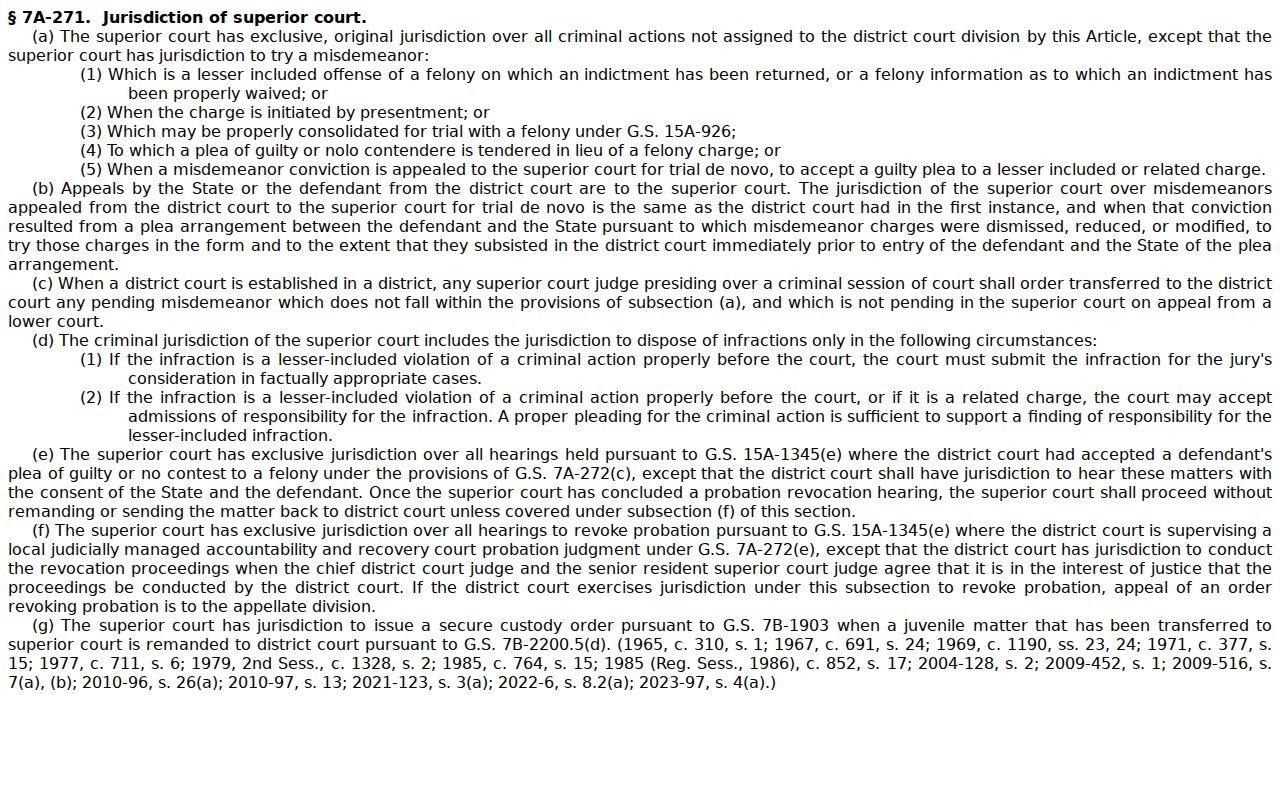
Identify a court division and its calendar type from the current record in Columbus County, not from a party's address. The state court closings page is the official statewide closure check for the county.
A closure notice is reason to recheck a Columbus County court setting directly with the Columbus County court office.
For the online calendar layer in Columbus County, the official North Carolina calendars interface is the source to use.
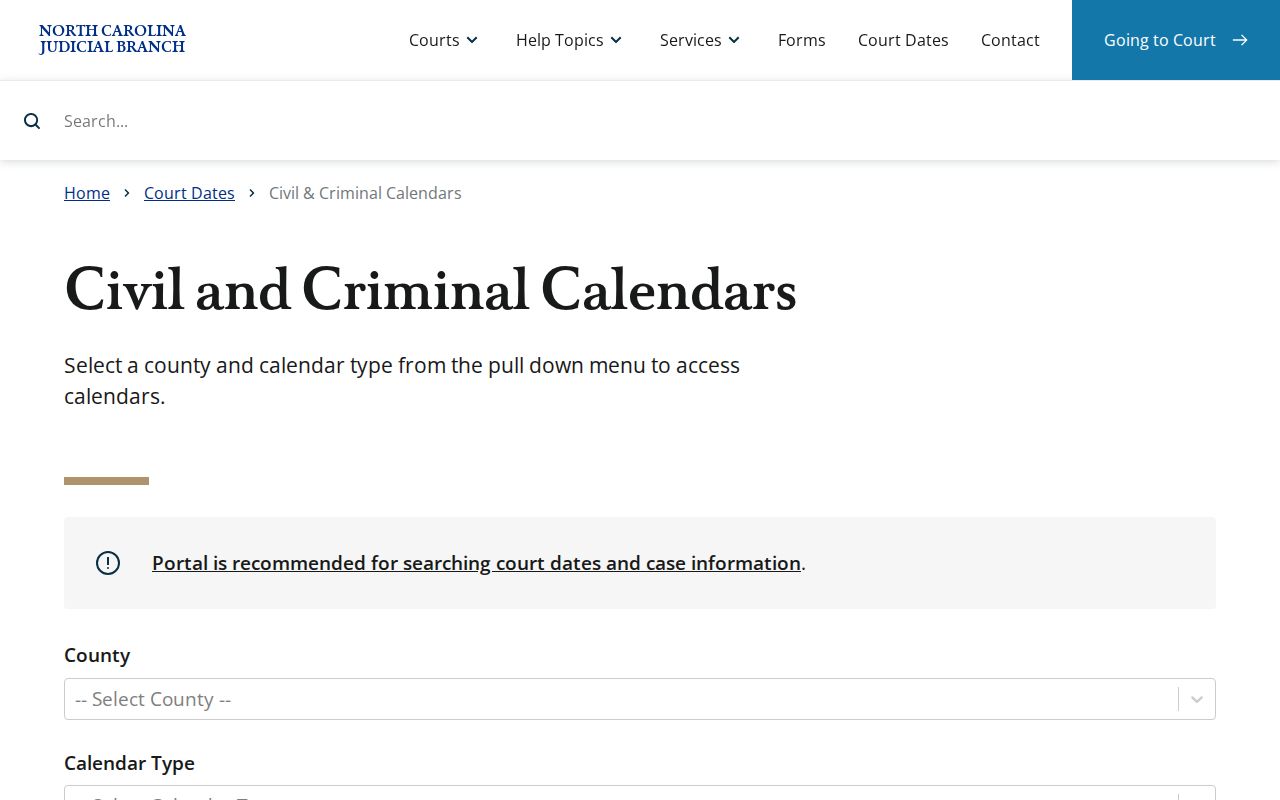
Pair it with Search Hearings for Columbus County. Add the Columbus County Case Summary to land on the most current setting available.
Columbus County Court Schedule Call Lists
Once you set the Columbus courtroom and date range, Search Hearings results for Columbus County can be sorted into a courtroom call list. Treat the sorted list as a planning aid, not a promised order. Courtrooms change their sequence, and a Columbus County case can be added, dropped, or reset after you view the list.
For a current call order, ask the courtroom or the relevant court office. That matters most when a Columbus County case has a recent event or a continuance request pending. The Columbus County Case Summary and local schedule add context, but the Columbus County court office is the safer bet for a last-minute question about a specific appearance.