
Name-Based Case Searches
Columbus County joined eCourts/Odyssey on February 3, 2025. Searching by name starts in the North Carolina eCourts Portal. Pick Smart Search and type the person's name as Lastname, Firstname. That search can reach every implemented Odyssey county statewide. So set Columbus County in Advanced Filter Options before treating any match as local. The Public Portal is free, and ordinary public searches need no registration.
One full name can return several Columbus County matches. Before opening a result, read its case number, location, and any party details shown. Smart Search caps output at 200 results. A notice that 200 results were returned is really a cue to narrow the query. Use location, filing dates, type, status, or party criteria. It does not mean the case you want is missing.
- Choose Smart Search in the Portal for Columbus County.
- For Columbus County, enter the name in Last, First order.
- Open Advanced Filter Options and select Columbus County.
- For Columbus County, use case type, status, or filing date only to narrow a broad result.
- Open the underlined case number and read its Columbus County Case Summary.
Columbus County Case Search Name Format
The documented basic search field in Columbus County is Record Number or Name. A standard name search takes the Last, First pattern. For a wildcard search, the official guide asks for at least three letters of the last name followed by *. It also wants at least one letter of the first name followed by *. That trick helps with an unsure spelling or a long compound name. It keeps the Columbus County search from ballooning into an unbounded statewide query.
Skip the advanced Party Name search type when a normal search will do. The same goes for a wildcard name search. The Portal guide warns that this advanced type can limit results. It also will not accept wildcards. Business searches go through the advanced filter path. If a business name contains a comma, the guide says to replace the comma with a wildcard.
Case Number Searches
Nothing beats a complete record number for a Columbus County docket search. Enterprise Justice numbers have four parts. There is a two-digit year, letters marking the case type, a six-digit sequence, and a three-digit county identifier. The training guide's example is 21CR000003-910. Treat it as a format sample only, not a confirmed Columbus County suffix. The actual county identifier should come from the Columbus County record itself. Do not guess it.
Partial numbers work too. Enter at least four characters, then an asterisk. The system can also filter by Search Type. Case Number, Business Name, Citation Number, and other options are on display. A citation search suits traffic matters. A full record number opens the Columbus County Case Summary for civil, criminal, estates, and other available categories.
Columbus County Case Search Location
The Location selector is the best local filter. It tells the statewide Portal to focus on Columbus County instead of every implemented county. Layer the location with a name, a record number, date-of-birth criteria where appropriate, a Columbus County case category, and filing-date parameters. One privacy note: public result screens mask birth month and day as xx/xx while showing the year. Full birth-date access is restricted.
| Smart Search field | Requirement | Columbus use |
|---|---|---|
| Record Number or Name | One basic criterion required | Use complete number or Last, First name. |
| Location | Optional filter | Select Columbus County to avoid statewide noise. |
| Case Type | Optional filter | Choose a category only when it matches the known matter. |
| Status or filing date | Optional filter | Narrow a broad Columbus County result. |
| Underlined case number | Result action | Opens the Columbus County Case Summary or Register of Actions. |
Advanced filters cannot stand alone in Columbus County. Start with a name or record number, then add filters one at a time.
Case Search Results Explained
Click an underlined result number to open the Columbus County Case Summary. It is also called the Register of Actions. The left-side menu moves among Columbus County Case Summary, Case Information, Assignment Information, Party Information, Case Events, Dispositions, Hearings, and Financial Information where applicable. Civil, family, probate, and mental-health categories may also show Causes of Action. Treat any result as the practical starting point for a case, hearing, or available public document image.
| Case Information | Basic case details and category. |
|---|---|
| Assignment Information | Available court assignment details. |
| Party Information | Participants and roles in the Columbus County case. |
| Case Events | Chronological docketable activity such as filings, orders, and prior settings. |
| Hearings and Dispositions | Scheduled events and recorded outcomes, which must be read in current case context. |
| Financial Information | Information shown when it applies and public access permits. |
The Columbus County Case Summary is not the official court record. It draws on the Columbus County clerk's record, and it does not promise that every document or image is public.
Columbus County Case Search Limits
Smart Search stops at 200 results. When the Portal for Columbus County says it returned 200 matches, turn to Advanced Filter Options instead of running the same broad name search again. Limit the record set to Columbus County first. Then apply compatible case type, status, filing date, or party criteria. A mismatched case-type status can quietly produce an incomplete result set.
No result at all? Work the official troubleshooting order. Check spelling and format. Confirm the county has gone live, consider whether the Columbus County record exists, and weigh access restrictions. A missing record may be sealed, confidential, or blocked from public display. It may simply sit outside the selected location. A blank screen never proves that a Columbus County case did not exist.
Two Ways to Search: County and State
A docket search can run at two levels. The eCourts Portal is statewide, spanning every county that implemented Odyssey. Add the Columbus County filter and it turns local. The county layer offers what the Portal cannot: the Clerk of Superior Court, the paper case file, a courthouse terminal, local administrative schedules, and court-office phone channels. Use the Portal first. It delivers the public Columbus County Case Summary. The local layer covers a public file, an official copy, or any gap in online access.
| Search layer | Best use | Limit |
|---|---|---|
| Portal Smart Search for Columbus County | Free public name or record-number case search | Not the official record; public access restrictions apply. |
| Portal Search Hearings for Columbus County | Current hearing search by case, party, courtroom, or date range | Must be compared with the Columbus County Case Summary and local schedule. |
| Columbus County clerk or terminal | County file, public access fallback, certified copy | Office route and restrictions still apply. |
| NC Judgment Search | Judgment-index search by party or case number | Not the complete Columbus County Case Summary. |
Columbus County Judgment Search Limits
NC Judgment Search answers a narrower question. You can search by party name or case number, with filters for location, case type, status, and judgment date. A result shows the Columbus County case number, the disposition status, the index date and time, the parties, and any judgment comments. That helps with a judgment-index question. It is not the whole record. The AOC points searchers back to Smart Search for the full available Columbus County Case Summary. Current payoff figures may still need clerk verification. An index entry never substitutes for an official certified record. Want a clerk copy, a certified copy, or a document behind a docket event? Contact the Columbus County Clerk of Superior Court directly.
Which Cases Stay Restricted
Some Columbus County cases never reach the public eye. Public registration saves cases to My Cases. Registering is a convenience, not a key to closed material. Attorneys request elevated access through File & Serve, and even that level does not reveal sealed or confidential material. The Portal flags some items as unavailable. Sealed judicial records and pre-birth determinations sit on that list. Juvenile matters, unreturned warrants, protective-order categories, certain restraining-order records, and specified special proceedings can also be restricted. Two statutes frame these limits. G.S. 7B-3000 withholds juvenile records from public inspection except as the law authorizes. G.S. 1-72.1 sets the procedure for access restrictions and sealing. An anonymous kiosk user may see a few categories that stay hidden online. Still, no kiosk gets around a sealed record. The Columbus County Clerk of Superior Court is the custodian of the local case file, so contact the clerk when an official or access-specific answer is required.
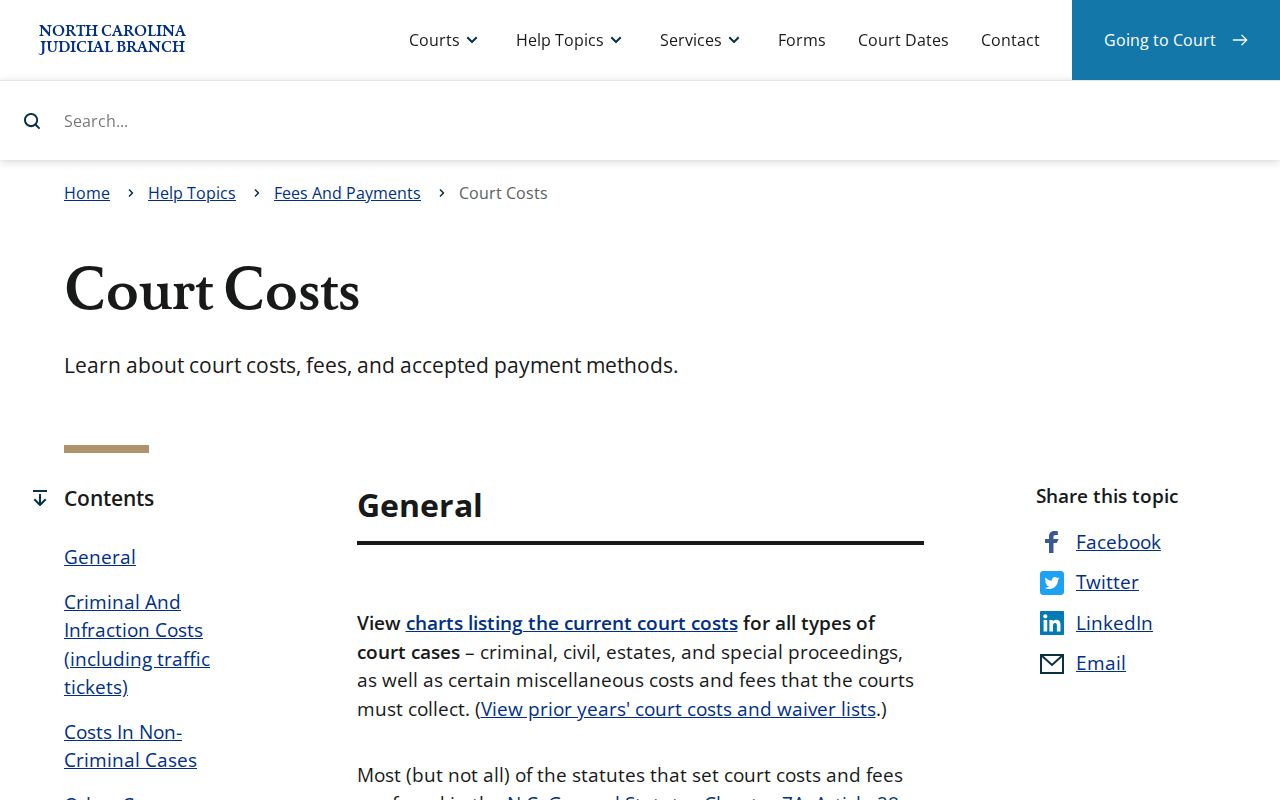
Fees sit apart from the free Portal search. In Columbus County, the North Carolina court-costs source lays out the state fee schedule that applies when a filing or copy request carries a charge.
Searching is not the same as requesting a clerk-prepared record. The rules differ. In Columbus County, the court-record access statute spells out the legal route for restrictions and sealing.
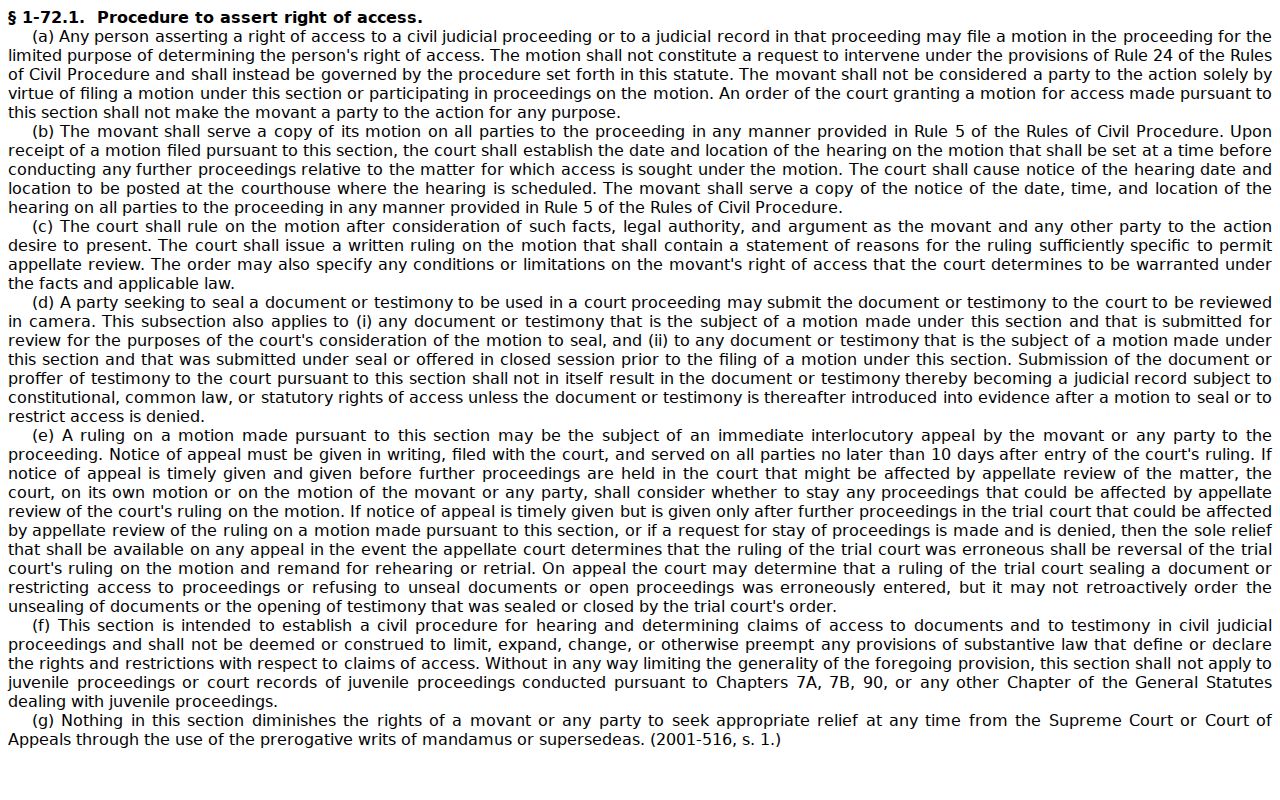
No Columbus County case is guaranteed a public Portal result.
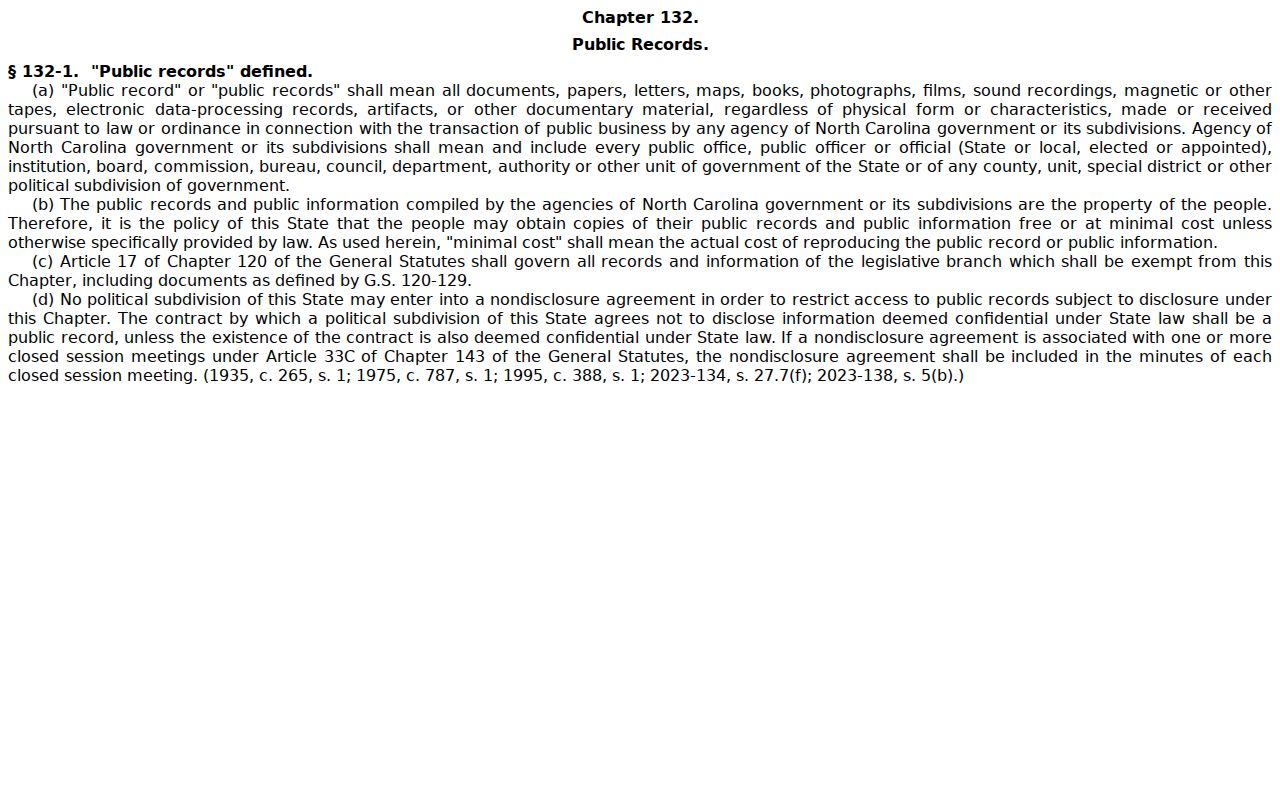
In Columbus County, the state public-records law supplies a broader public-records baseline.
County rules still govern the local record route. Custody of the court file and specific judicial restrictions continue to control it. The Fourth Circuit information explains how a federal appellate court operates, a separate system from Columbus County state case search.
Federal matters live in a separate federal docket system. Mixing them into a Columbus County Portal search will only produce confusing or empty results.
Columbus County Case Search Registration
Registration on the Portal is optional. A public user can save cases to My Cases. That feature is pure convenience. It does not widen access to Columbus County case records one bit. The ordinary Portal search and the public Columbus County Case Summary stay free. A registered user gains no permission to see sealed, juvenile, confidential, or otherwise restricted material. Attorneys use a different door. They request elevated access through File & Serve. Even that access does not override sealed or confidential limits. Registration solves convenience, not a no-result or access problem. For those, the Columbus County clerk remains the local record-custody route.
Columbus County Courthouse Case Search
When a Portal result looks thin, the courthouse terminal is the Columbus fallback worth knowing. State guidance says a clerk-office terminal can search criminal cases by defendant name, case number, victim name, or witness name. The paper file stays with the Columbus County clerk. It remains in the county where the case lives. The kiosk and the Portal do different jobs. Portal handles downloads and payments. A kiosk may grant anonymous access to categories that ordinary public Portal viewing hides. Neither tool overrides a restriction, and neither replaces a clerk-certified record.