
Columbus County Court Docket Searches
Columbus County joined eCourts on February 3, 2025. Docket searching now runs through the North Carolina eCourts Portal. Pick Smart Search. Type a full case number or a name in Last, First order. Apply the Columbus County filter when results sprawl. Searching is free. No public registration is required. Clicking an underlined case number opens the Case Summary. That is the state's name for the public Register of Actions built from the Columbus County clerk's record.
Have the case number, exact party spelling, and Columbus County location ready before you start. A full number gets you there fastest. Partial numbers work too. The Portal guide for Columbus County allows at least four characters plus an asterisk. Name wildcards need three letters of the last name and one of the first. Skip the advanced Party Name search unless a plain name search fails. It is more restrictive.
- Open the Portal for Columbus County cases and select Smart Search.
- Enter the full case number or the person's name in Last, First order for a Columbus County case.
- Use the Columbus County location and case-type filters when the initial results are too broad.
- Open the underlined case number, then read Case Events, Hearings, Dispositions, and Financial Information where available.
- Use the Columbus County Clerk for a paper file, an access gap, or an official copy.
Note: Registering for a public account lets you save cases to a personal Columbus County case list. It grants no extra access to confidential Columbus County court records.
Columbus County Court Docket Filters
Why does the Columbus County filter matter so much? The Portal training materials give the answer: Smart Search covers every Odyssey county. One name can pull cases from across the state. Applying the Columbus County location filter fixes that. Advanced filters narrow further by party criteria, case type, case status, or filing-date range. They only work on top of a name or number query. The system also caps results at 200. Seeing that 200-result message means your Columbus County search is too broad.
The official eCourts overview covers the statewide rollout that brought Columbus County into the system. The eCourts implementation page sorts Portal viewing from File & Serve within that same court-technology change. File & Serve is the separate filing system. The Portal is for looking up Columbus County cases, not for filing a pleading. If the public search will not load, switch to Chrome or Edge.
That state eCourts material is worth a look before any Columbus County court docket search, since it confirms which layer is public and which one handles filings.
Court Dockets: What They Show
A Columbus County Case Summary is more than a search result card. It lays out a case in chronological order. The Portal guide lists the sections you may see. These include Case Information, Assignment Information, Party Information, Case Events, Dispositions, Hearings, and Financial Information. Civil, family, probate, and mental-health cases can also carry Causes of Action. Keep one distinction in mind. The list shows what the Columbus County clerk has recorded publicly. The complaint, order, or other document behind an event is a separate item.
| Case number | The Enterprise Justice format uses a two-digit year, case-type letters, a six-digit sequence, and a county identifier. |
|---|---|
| Case Information | Identifies the case file and its publicly available core details. |
| Assignment Information | Shows the court-assignment material available for the case. |
| Case Events | Lists dated docketable events in chronological order. |
| Hearings | Shows scheduled court events when hearing information exists. |
| Dispositions | Shows a recorded procedural or final result without replacing a Columbus County clerk-certified record. |
Public results hide the month and day of a birth date and keep only the year, according to Portal documents. A blank field is not proof. A no-result or masked entry does not mean a Columbus County case never existed.
Columbus County Court Docket Terms
Read Columbus County docket entries through the state's own labels. A Case Event is any dated, docketable occurrence: a filing, a setting, an order. A Hearing is a scheduled court event. You can search for hearings on their own. A Disposition records the procedural or final result for a case or charge. Financial Information, when present, shows balances and payment material. Trust these labels rather than guessing at screen abbreviations.
- Case Summary / Register of Actions
- The public Portal summary of docket entries based on the Columbus County clerk's official record.
- Pending
- A Portal status showing that the matter is not yet concluded.
- Transferred to Superior Court
- A status showing that the matter moved into the Superior Court docket path.
- FTA
- Failure To Appear, a code defined on the Columbus County clerk's certified criminal-search form.
- Pending Expungement
- A documented criminal or infraction status for an expunction-related stage.
Watch for a quirk left over from the eCourts transition. Older converted events can carry a 12:00 AM timestamp. The date is still reliable. The midnight time is not the real hour that Columbus County event occurred. The official Portal training resource documents the public Case Summary and Register of Actions layout. It is the layout used for Columbus County cases.
That training resource is the sound basis for reading a Columbus County court docket: its published Case Summary sections, not third-party shorthand.
Columbus County Courts and Their Dockets
North Carolina's General Court of Justice splits into Superior and District Court divisions. Magistrates work as District Court officers. Columbus County sits in Superior Court District 15A and District Court District 15. One office holds nearly everything. The Clerk of Superior Court keeps Columbus County's Superior, District, magistrate, estates, special-proceeding, and criminal files. That unified structure simplifies a docket search. A misdemeanor, traffic matter, civil action, or estate never sends you hunting for a separate city or Columbus County clerk.
| Court | Docket covers | Where to search |
|---|---|---|
| Superior Court, District 15A | Felonies, District Court criminal appeals, and civil actions over $25,000. | Portal Case Summary and the Columbus County Clerk of Superior Court. |
| District Court, District 15 | Misdemeanors, infractions, family matters, ordinance violations, and civil actions at or below $25,000. | Portal Case Summary and the same Columbus County Clerk. |
| Magistrate docket | Qualifying small claims, return-of-property matters, and limited preliminary criminal matters. | Portal where public, then the Columbus County Clerk. |
| Clerk matters | Estates, guardianship, and special proceedings, subject to access limits. | Columbus County Clerk of Superior Court and available Portal results. |
Where does a civil case belong? State law sends ordinary civil actions at $25,000 or less to District Court. Anything above that goes to Superior Court. The Columbus County small-claims ceiling should be confirmed with the clerk before you rely on a current figure. For court divisions, schedules, payment details, and clerk services, the Columbus County Judicial Branch location page maps the local access paths.
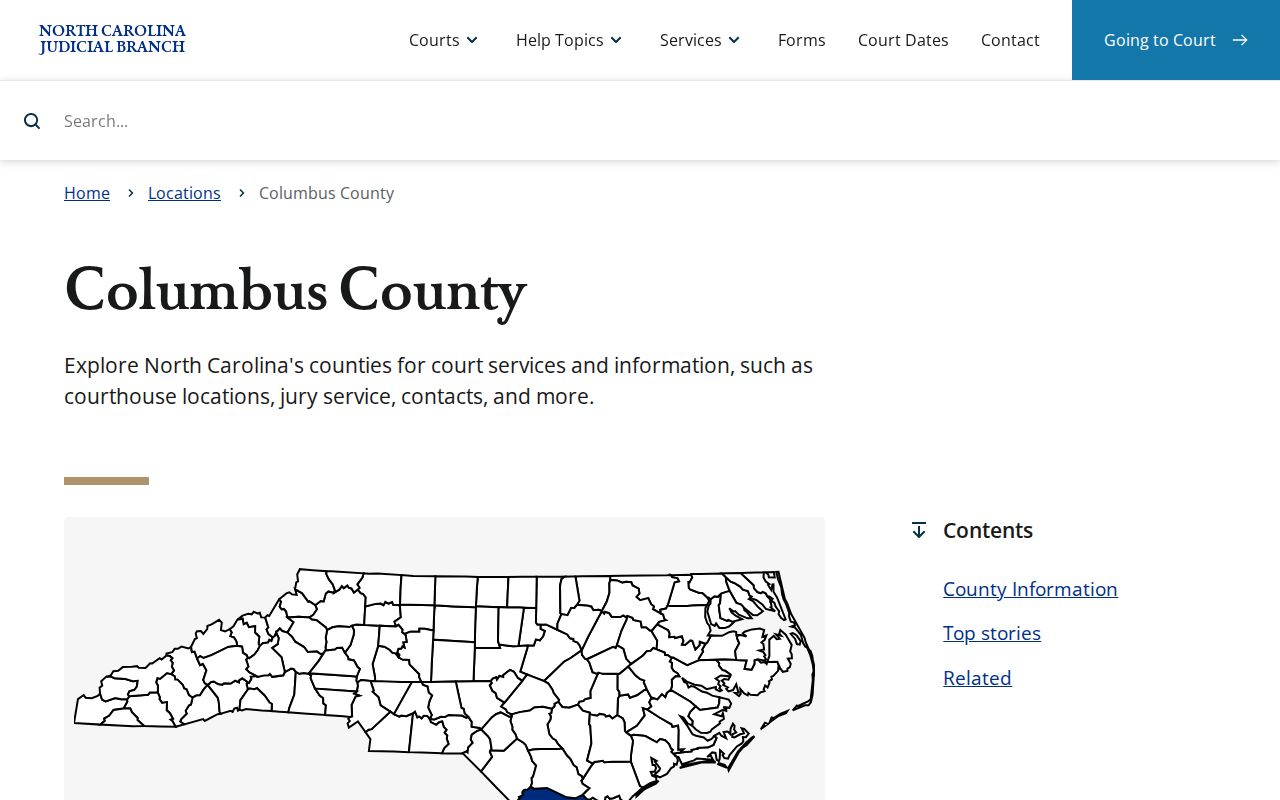
That location page pulls Columbus County court divisions, schedules, payment information, and clerk services together under one county court system.
One Columbus County Clerk for Court Dockets
Columbus County runs its court records through one office. The elected Clerk of Superior Court serves as the local record keeper for both trial divisions. There is no separate civil or criminal clerk. G.S. 7A-109 backs that up, directing the clerk to maintain prescribed records, files, dockets, and indexes and to keep them open for public inspection during normal office hours unless access is prohibited by law.
You will find the office at the Columbus County Courthouse, 100 Courthouse Circle in Whiteville. Mail should go to PO Box 1587, Whiteville, NC 28472. The clerk line is (910) 641-4400. Need a judge or a magistrate instead? The directory lists the Superior Court judges office at (910) 641-4416, District Court judges office at (910) 641-4412, and the magistrates at (910) 641-4519. Requests that do not fit the counter or mail paths are worth a phone call first.
Columbus County Clerk of Superior Court
100 Courthouse Circle
Whiteville, NC 28472
(910) 641-4400
Columbus County contact directory
Note: The clerk holds the official Columbus County file. Portal shows the public Case Summary but issues no certified copies. For direct contact routes, the official Columbus County directory lists the clerk and every court office.
A docket search sometimes needs Columbus County confirmation. The official Columbus County directory provides the contact routes for the clerk and each court office.
Court Dates and Settings in Columbus County
Need a current Columbus County setting? Use the Portal's Search Hearings tool after you check the Case Summary. Select Columbus County, a Hearing Type, a Search Type, and the needed date range. Case number works as a search type. So do party name, business name, attorney name, attorney bar number, judicial officer, and courtroom. An older Case Event can stay visible after a continuance or a new setting. That is why Search Hearings is the better date-focused layer.
Columbus County's local administrative schedules add another layer to the hearing search. They publish criminal docket-management material, trial-week and motion/plea links, civil standby trial weeks, and judge-assignment material. Read them as context. An entry marked none at this time does not establish that a Columbus County case lacks a setting. The case record and hearing search come first.
Just need a hearing date? The fuller Columbus County court schedule explains the Columbus County calendar paths, resets, and the closure check.
Columbus County docket entries only go so far. The schedules page adds criminal management and civil standby calendar material that a docket's hearing entries do not carry.
Columbus County Calendar Paths and Resets
Columbus County labels its calendar posts with helpful distinctions. Criminal Docket Management, a CDM Conference, trial calendars, and trial-session motion and plea calendars are separate session groupings. Civil material runs wider. It can include trial-setting conferences, calendar calls, administrative or supplemental calendars, notice of calendaring, and standby trial calendars. A standby civil entry drops a case into a trial-session pool. It does not fix a call order.
The 13A civil rules that apply in Columbus County name the Trial Court Coordinator. This is the person who sets the Superior Court civil disposition calendar under the senior resident judge's supervision. The clerk keeps the docket, but a calendar question can go to the court office. Continuance policies exist for both Superior and District Court. Just do not count on one universal Columbus County filing deadline. Confirm any changed setting through Search Hearings. The current schedule and the relevant Columbus County office help too.
Weather complicates things. Check the North Carolina court closings page for weather or emergency changes. Then confirm with the Columbus County court office. One more gap: Portal does not label a hearing as remote or in person. No virtual-meeting link can be inferred from the Columbus County docket alone.
Docket Access Under North Carolina Law
Columbus County court dockets start from a public-access baseline. Not every record is public, though. The Clerk of Superior Court maintains the official Columbus County docket records. Portal is the convenient layer. It offers case summaries and any public images, yet it is not the official record. When Portal falls short, head to the courthouse. There the clerk and a public self-service terminal cover Columbus County paper files or any access gap. The terminal can search Columbus County criminal cases by defendant name, case number, victim name, or witness name.
Key rules:
G.S. 7A-109 requires clerk-maintained docket and record systems and supports public inspection unless access is prohibited.
G.S. 132-1 establishes North Carolina's broad public-records baseline, subject to confidentiality laws.
G.S. 1-72.1 provides procedures for sealing or restricting judicial documents and proceedings.
G.S. 7B-3000 limits public inspection of juvenile records except for authorized access or court order.
Looking is free. State guidance charges nothing for inspection, while copies, certifications, and work needing substantial assistance can carry authorized charges.
Columbus County Docket Search Limits
A blank Portal result does not mean no Columbus County case exists. Check the spelling first. Try other name formats. Confirm Columbus County's implementation status. Test the full Columbus County case-number format. When the search still comes up empty, think about a restricted category, a recent processing delay, or a result set that needs advanced filters for Columbus County. Sealed and confidential records stay out of public results, along with sensitive documents. Juvenile matters, protective-order categories, unreturned warrants, and certain special proceedings carry extra limits of their own.
A courthouse kiosk in Columbus County can show anonymous users some categories. These are categories the public Portal hides. That difference is not a way around a seal, though. For Columbus County cases, public downloads and eligible payments run through the Portal. The kiosk does not handle them. Registering an account only saves cases. Even elevated attorney access will not reveal sealed or confidential material.
Note: When the public Portal cannot show the category, document, or official status you need, end the Columbus County case search with the Columbus County Clerk.
How the Clerk Keeps Docket Records
Columbus County offers three distinct record products, and knowing which one you have matters. The online Case Summary is the searchable index and timeline. Behind each event sits a pleading, order, judgment, exhibit, or other filed document. A certified copy is different. It comes from the Columbus County Clerk. It is the proper path when official authentication is needed. Portal may show public document images, but availability depends on access rules. Those images are not automatically certified.
The practical workflow is simple. Search first. Then note the case number, the Columbus County location, the date, the court division, and the exact document you need. Check the public images next. If the image is absent, older, restricted, or needs certification, contact the Columbus County Clerk of Superior Court. Paper court files are accessed through that office. It can also direct a request to the right division. The official Columbus County courthouse page shows the clerk location for an in-person record request.
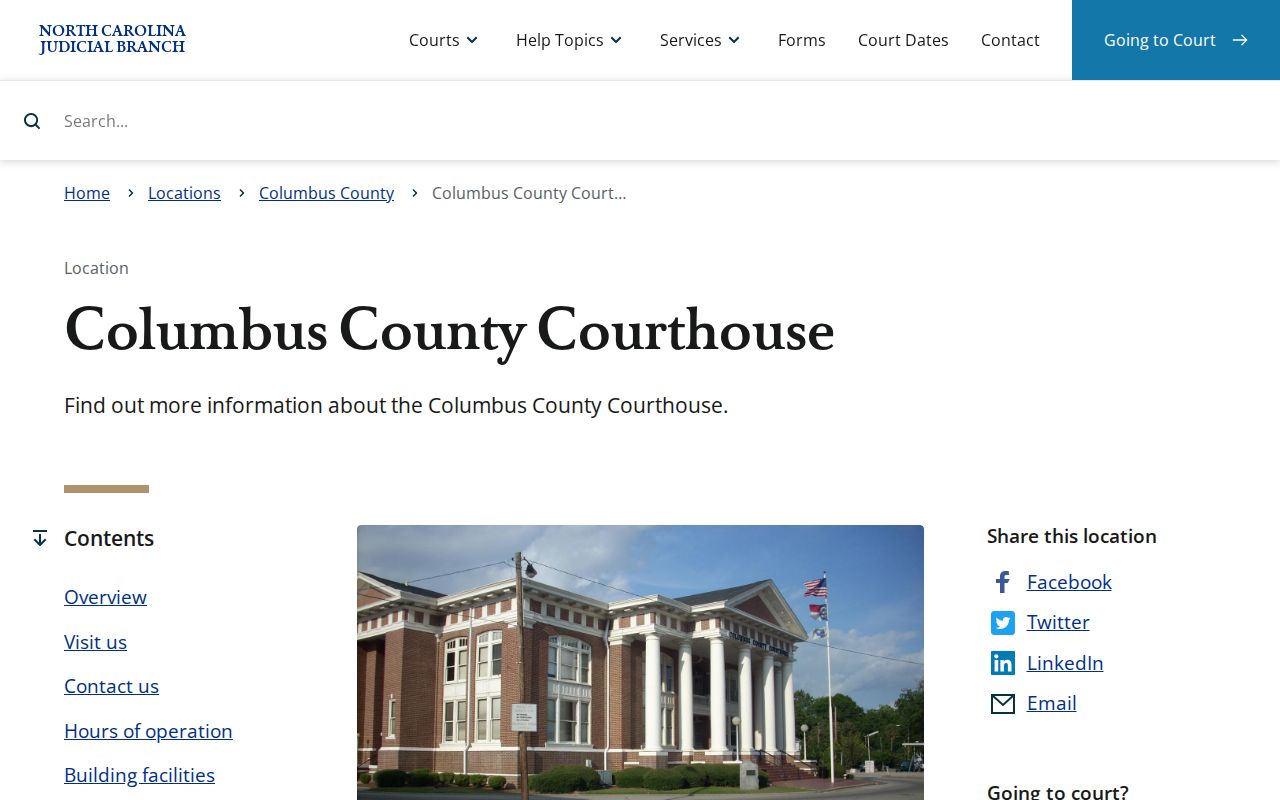
The courthouse page is the Columbus County reference point for an in-person file or record-copy request. It lists the clerk location directly.
Columbus County Portal Copies and Clerk Records
Confirm statutory Columbus County clerk charges before making a request. G.S. 7A-308 sets out the numbers: $2 for the first page of each copied document, $0.25 for each additional page or fraction, a $3 certificate under seal, and a $10 exemplification. The same statute lists a $25 certified Columbus County criminal record search. Portal itself is free, but a screen view or downloaded image is not an official clerk certification.
The Dempsey B. Herring Courthouse Annex belongs to the Columbus court campus, though the official location page does not assign every records function to a room there. Call the clerk before visiting for a specific file. The annex sits at 112 W. Smith Street in Whiteville and keeps the same regular weekday hours as the courthouse location. The official annex page supplies this court-campus context.
The annex page gives accurate campus context without tying a case type or clerk service to an unverified room. Confirm any specific filing route with the clerk.
City-by-City Court Dockets in Columbus County
Columbus County has five large towns. By the 2020 Census, the largest are Whiteville, Tabor City, Chadbourn, Lake Waccamaw, and Fair Bluff. None of them runs its own court dockets. No municipal court docket exists. There is no court calendar, citation portal, or municipal judge page for any of the five. Traffic tickets, ordinance matters, misdemeanors, and other state-court cases all flow to Columbus District Court or Superior Court as the case requires. From there they move to the Clerk of Superior Court and eCourts Portal. City hall and the police department do not hold the court files.
Whiteville Court Records
2020 Census population 4,766. The county seat's City Hall and courthouse are separate public offices.
Tabor City Court Records
2020 Census population 3,781. Town Hall does not keep Columbus County court files.
Chadbourn Court Records
2020 Census population 1,574. Town ordinances are not a state court case index.
Lake Waccamaw Court Records
2020 Census population 1,296. The town meeting calendar is not a court calendar.
Fair Bluff Court Records
2020 Census population 709. Court copies and dates route through Columbus County.
Note: The Census ranking helps with local routing only. It does not create separate city court systems or court-record custodians.
Columbus County eCourts Docket Transition
The February 2025 eCourts go-live changed how a Columbus County court docket is found online. One statewide Portal now exists. It carries Smart Search, Search Hearings, available public document images, judgment-index information, and eligible criminal payments. File and Serve handles filings on the broader Enterprise Justice system. It stays separate from that public search screen.
The transition did not erase the local record route. The Clerk of Superior Court still keeps the Columbus County files. Local schedules still add calendar context. Public terminals still help when Portal results are restricted or incomplete. A careful docket search uses the state technology first. Then it turns to the county office for the official record or for an answer the online display cannot supply.
Map and Directions to the Columbus County Courthouse
The Columbus County Clerk of Superior Court keeps the county's Superior Court, District Court, estates, and special-proceedings files at the Columbus County Courthouse, 100 Courthouse Circle, in Whiteville. The courthouse campus also includes an annex at 113 Courthouse Square that holds the Public Defender's Office and three courtrooms, and the separately listed Dempsey B. Herring Courthouse Annex at 112 W. Smith Street. The clerk's counter at the main courthouse is the starting point for a records visit; call the relevant office first if a matter is assigned to one of the annex buildings.
Columbus County Courthouse
100 Courthouse Circle
Whiteville, NC 28472
(910) 641-4400
Monday through Friday, 8:30 a.m. to 5:00 p.m.
Dempsey B. Herring Courthouse Annex
112 W. Smith Street
Whiteville, NC 28472
(910) 641-3000
Monday through Friday, 8:30 a.m. to 5:00 p.m.
The courthouse page lists electric doors, a wheelchair ramp, and elevators. In-person payments are handled at a first-floor Criminal Division cashier window. No official Columbus-specific parking, transit, or security-screening policy is published, so calling the clerk at (910) 641-4400 before a time-sensitive visit is the safest plan.